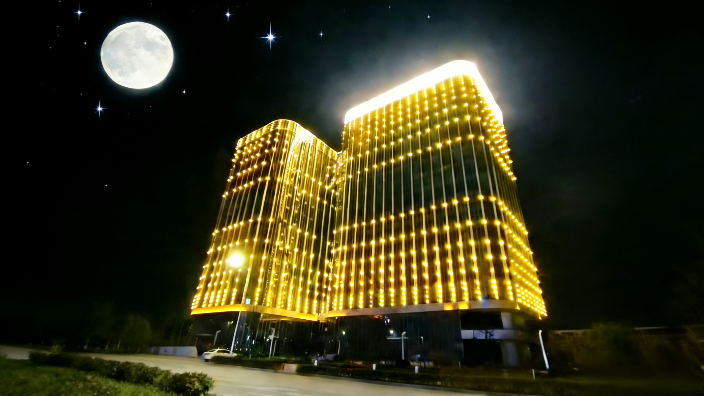
Facade Pixel Lighting: Quality Criteria
For pixel facades, signal quality decides the show: DMX512 control keeps every dot addressed and flicker-free. What to check: signal, colour consistency, IP65 rating, range UT8801-UT8815.
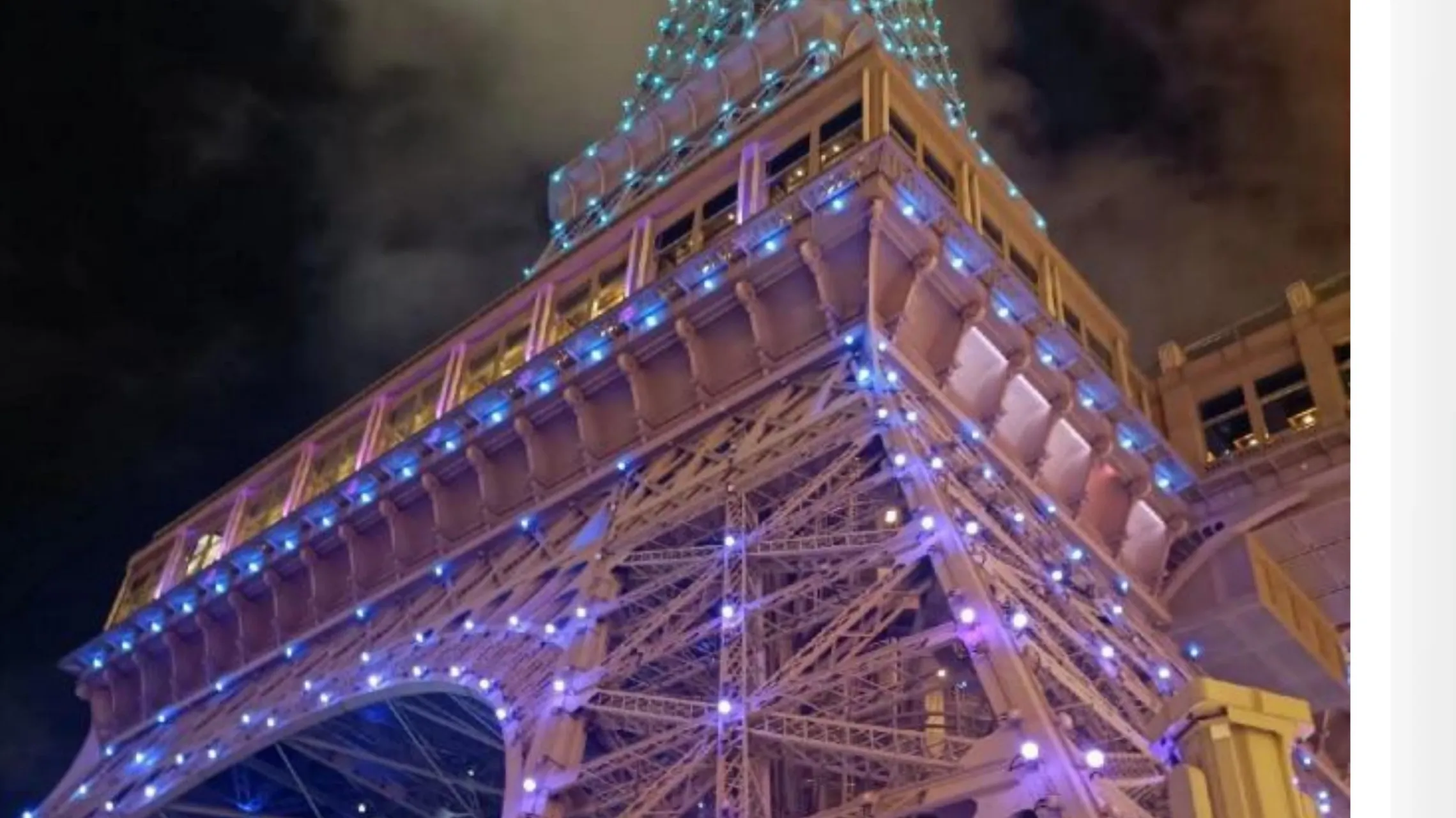
For pixel facades, signal quality decides the show: DMX512 control keeps every dot addressed and flicker-free, even across thousands of points.
A pixel facade is made of individually controlled points of light — small DMX dots fixed along the outlines of a building, a bridge, a ferris wheel or a media facade. Each dot can be set to its own colour and brightness, so the whole facade can run chasing effects, radial patterns, gradients and even low-resolution video. But the effect only works if every dot does exactly what the controller tells it to, at exactly the right time. That is a question of quality, and these are the criteria that decide it.
Signal quality comes first
DMX512 is the control standard for pixel lighting. A good system keeps every dot correctly addressed, with a clean signal from the first dot to the last — no flicker, no dropped points, no dots showing the wrong colour. On a large facade with thousands of points, signal quality is the difference between a smooth show and a patchy one. Wiring, addressing and controller setup all matter, which is why free programming and online technical support during installation are part of the package.
Brightness and colour consistency
Every dot on the facade should look the same at the same setting. If some dots are brighter or a slightly different shade of white, the whole image looks dirty. Consistency starts with the LED itself and with the way each point is driven — and it is worth checking on a sample before ordering for a whole building.
Weatherproofing
Pixel points live outdoors, often in exposed positions on a roofline or a bridge. An IP65 rating is the baseline for outdoor points: protection against rain and dust, so the facade keeps working through every season.
Control and programming
The hardware is only half the job. The effects — chasing, radial expansion, starburst, gradients, media content — are programmed, and they must run in sync across the whole building. A good supplier programs the effects for you and supports the installation: wiring, addressing and controller setup, delivered working and on time.
The UTU range
Shenzhen Utu Lighting's pixel point light range runs from the UT8801 to the UT8815 — fifteen models for different dot sizes and powers. The UT8801, for example, is 5–9W, DC24V or AC220V input, colour temperature 1800K–10000K/RGB, IP65, Ø118×67 mm, die-cast aluminium housing with a tempered glass cover. The range also includes a compact 3W point, the UT8804 (Ø70×50 mm), for tighter outlines. Every order comes with free RGB/DMX programming — gradients, chasing and radial effects, all synchronised — and free online technical support for installation and commissioning.
Frequently asked questions
What is DMX512?
It is the control standard for pixel lighting. Each dot gets its own address, and the controller tells every dot its colour and brightness — that is what makes synchronised shows across a whole facade possible.
How many dots can one system run?
A full facade of thousands of points. What matters is not the count but the signal quality: a clean DMX512 signal keeps every dot addressed and flicker-free from the first dot to the last.
What IP rating do pixel points need outdoors?
IP65. UTU pixel lights such as the UT8801 are IP65 rated, in a die-cast aluminium housing with a tempered glass cover.
Do you program the effects?
Yes — free RGB/DMX programming (gradients, chasing, radial effects) and free online technical support during installation, so the facade is delivered working and on time.